
GFree
App store
Tasks and bookings in your calendar
Google Calendar integration: tasks where you are the assignee appear in your personal calendar, and calendar busy time is respected by client booking.
For everyone living in Google Calendar: work tasks and client bookings next to personal events.
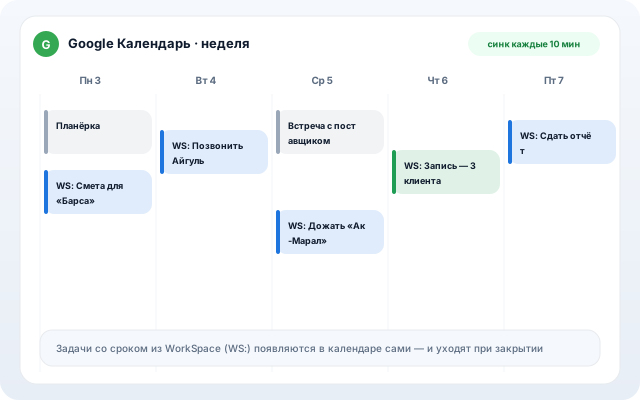
What it does
Tasks → calendar
Deadline tasks sync to your calendar every 10 minutes.
Client bookings
Booking appointments create events; cancellations remove them.
Busy time → slots
Personal events block booking slots — no double bookings.
Two-click connect
Google OAuth — no keys or configs.
Safe
Tokens are encrypted; access revokes with one button.
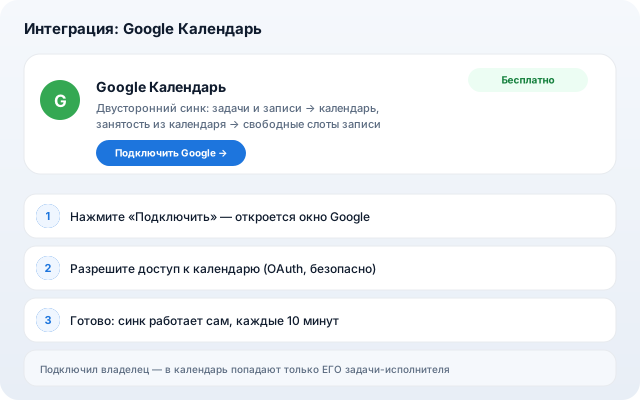
How to set up
- 1
Open the Google Calendar card in the app store.
- 2
Click “Connect Google” and confirm access.
- 3
Done — sync runs in the background.
Other apps